
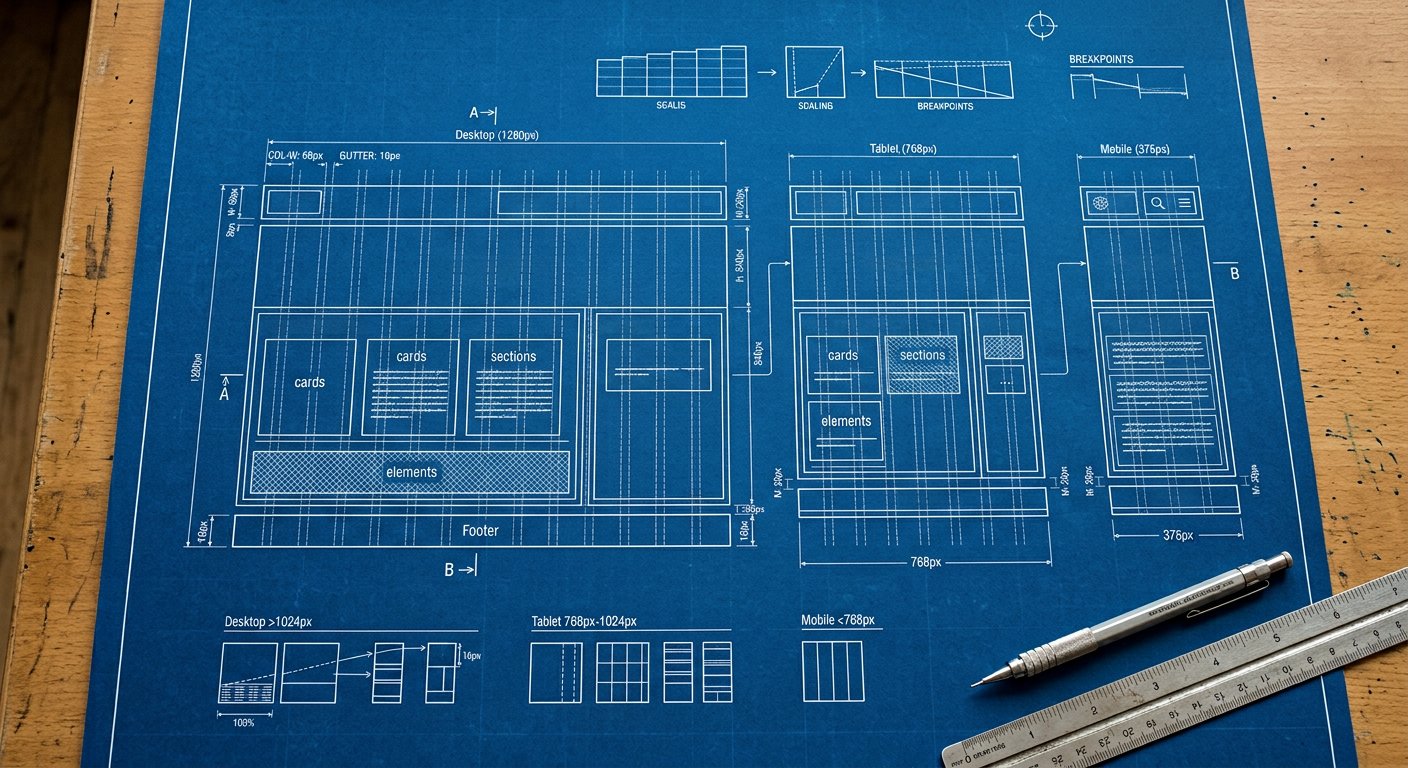
Reading md:hover:bg-blue-600/50 piece by piece: screens, variants, utilities, modifiers.
The idea#
A Nakshora class is a tiny language: [screens:] [variants:] utility [/modifier]. Screens set the width condition, variants set the state condition, the utility does the work, and modifiers tweak it (opacity, arbitrary values). Once you can parse one class, you can parse all 11,000+.
In practice#
example
<button class="lg:hover:bg-blue-600 bg-blue-500">…</button>
<!--  md:hover:bg-blue-600
      │   │     │
      │   │     └─ utility: background blue-600
      │   └─ variant: on hover
      └─ screen: from md up -->
Common mistakes#
- Putting the screen prefix after the variant (hover:md: is wrong order in v3)
- Forgetting the colon between segments
- Trying to prefix arbitrary values incorrectly: md:w-[100px], not w-md-[100px]
Keep learning#
Next: concepts/design-tokens|Design tokens and utilities/index|the utilities reference put this concept to work. For the big picture, see getting-started/introduction|the introduction.